

SVG & Icon Design Guides
Explore practical SVG tutorials, icon design guides and vector tips to help you create, customize and use graphics in your websites, apps and creative projects.


5 Common SVG Icon Mistakes and How to Fix Them
By SVG Repo
Fix SVG canvas padding, mismatched styles, color assumptions, duplicate IDs, and missing labels with examples and links to practical guides.

5 Ways to Use Illustrations on a Landing Page
By SVG Repo
Use illustrations in hero sections, feature explanations, process steps, trust sections, and signup prompts, with examples and layout advice.

How to Choose a Consistent Icon Style for Your Interface
By SVG Repo
Choose a consistent icon style for your interface. Compare stroke weight, optical size, and selected states with a toolbar example and library recommendations.

SVG viewBox Explained: Resize Icons Without Surprises
By SVG Repo
Learn how SVG viewBox, display size, and aspect ratio work together. Resize icons predictably with a code example and a practical canvas-padding check.

Accessible Icons: Labels, Buttons, and Decorative SVGs
By SVG Repo
Make SVG icons accessible with useful button labels, decorative-image alternatives, and practical examples. Check names, focus, and complete interactions.

Theme SVG Icons with currentColor
By SVG Repo
Style inline SVG icons with currentColor for light and dark themes. Follow a button example and learn when an external image needs a different approach.

An SVG Icon Checklist Before You Ship
By SVG Repo
Review SVG icons before release with checks for sizing, themes, accessibility, source credits, and browser delivery, plus a practical navigation example.
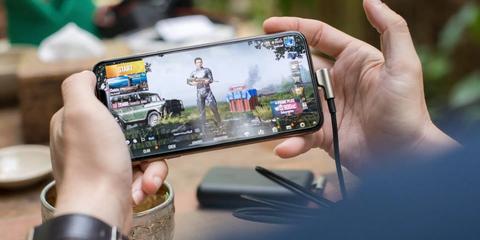
How to Use Icons in Mobile Game UIs
Mobile games, especially the hyper casual games are getting popular by the day. Here is some tips to use icons in it.

How to Hire an Icon Designer for Your Projects
Hiring someone in design for projects with experience in a niche part like design is hard, here is some tips.
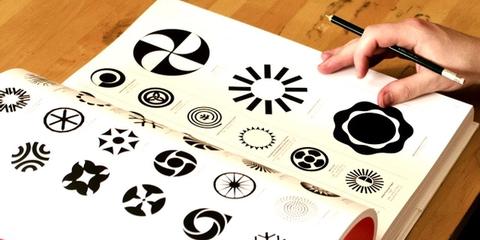
How to Design an Icon Using Boolean Operations in Sketch
Let’s learn how to make the most of them by designing an icon in this screencast tutorial.
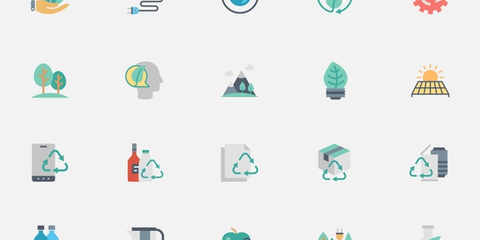
How to Choose the Best Icons for your Project
The best icons are those that are appropriate, memorable, and well-designed. When designing icons for your app, website, or some other project, keep the following in mind.